Reporting a defect
How to raise a defect against an aircraft, what happens to the schedule, and how deferral works.
Last reviewed
A defect in FlyerOS is a state change, not a note in a book that someone might read later. The moment you raise one, it changes what the aircraft is allowed to do, and it does so everywhere at once.
How to raise one
Raise a defect against the aircraft from the tech log or the aircraft record: what the snag is, its severity, and any restriction it imposes. That is all it takes to change the aircraft's state across the whole system.
What happens immediately
Once raised, the defect drives the aircraft's status, and the schedule reads that status directly:
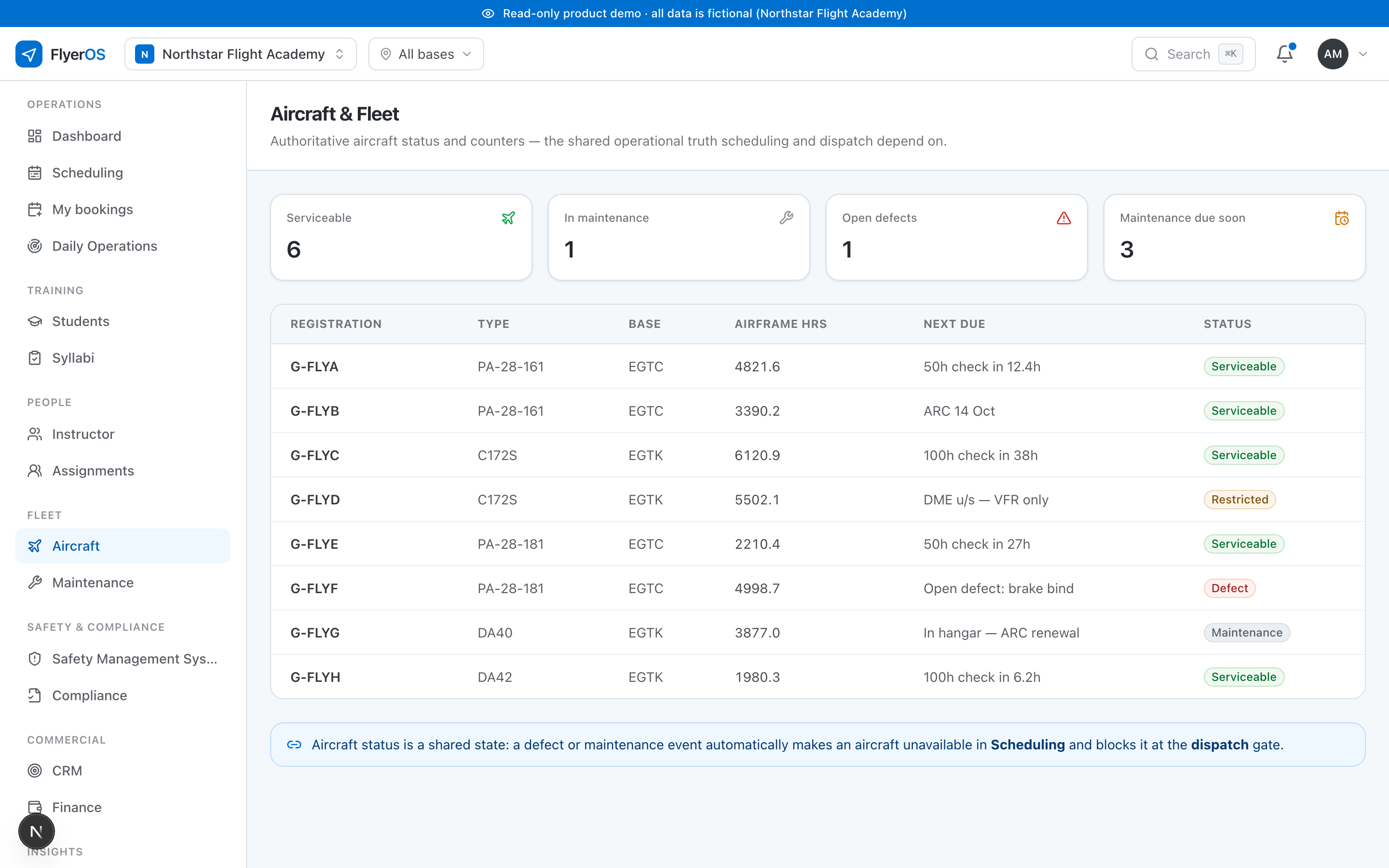
- A grounding defect makes the aircraft unavailable in scheduling and the dispatch gate refuses to release it.
- A restriction is more precise: an unserviceable DME might mean VFR only, so the aircraft stays available for circuits and becomes unavailable for the instrument lesson. The scheduler applies that distinction without anyone having to remember it.
- Every affected booking is named: with its student, its instructor and its lesson, so you can see exactly what the defect touched and tell the people involved, in the same minute.
Deferral
Some defects can be deferred where that is authorised. A deferral is not open-ended: it carries an expiry, and the aircraft's eligibility is evaluated against that expiry at the moment of each flight. A booking that falls after the deferral expires is treated as if the defect were live again, so a deferral can never quietly lapse into flying an unairworthy aircraft.
Closing it out
A defect cannot simply be marked closed. It is cleared by a release, the record that the work was done and the aircraft is fit to fly, and closing it that way returns the aircraft to service and makes it bookable again automatically. The reporter is told what happened to the snag they raised. See Aircraft status, and what makes one unbookable.